Videa dental AI
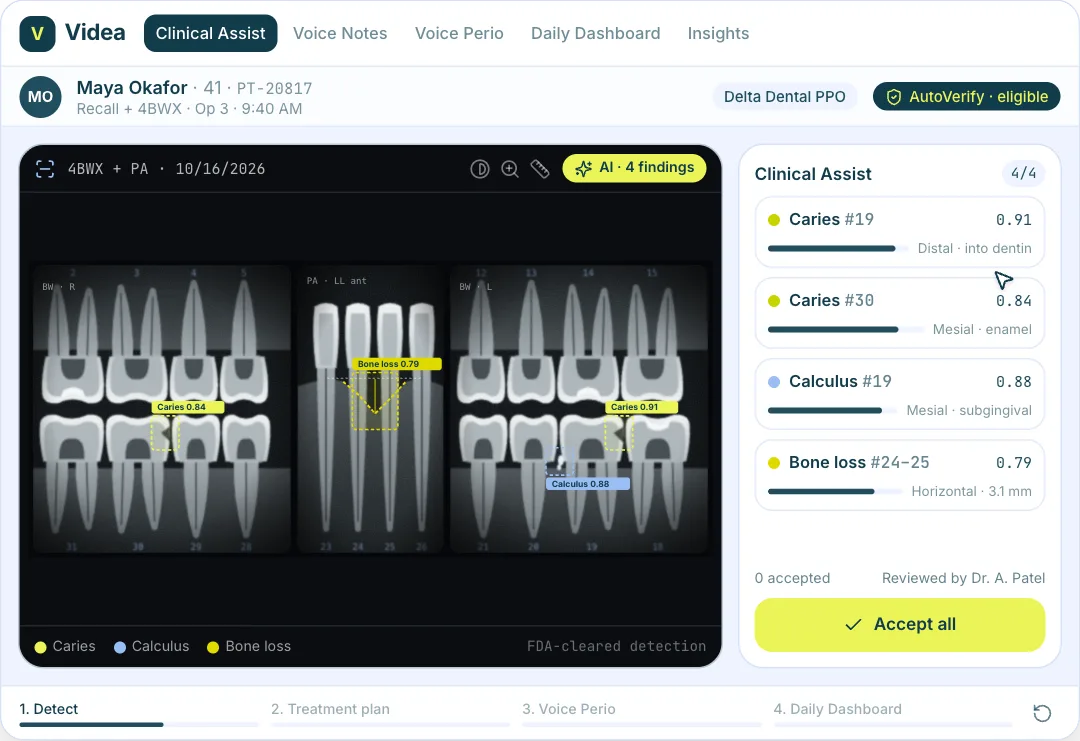
Videa for dental practices: a bitewing x-ray loads and AI outlines caries and calculus with confidence, the dentist accepts the findings into a treatment plan, Voice Perio fills the perio chart hands-free, and the daily dashboard ticks production up.
npm install motion clsx tailwind-merge lucide-react or npx programmable-cli add videa-dental-ai
MP4 and GIF exports are for sites that are not on React. Each counts as this month’s download of the component.
What it’s for
- Pages for AI features: assistants, agents and automations
- Showing what the AI does step by step
- Hero sections for AI products
How to use it
- Download the file. VideaDentalAi.tsx is one self-contained React component. Pick a brand colour above and the file comes in it, where the component has a main colour to replace. Sites not on React can take it as an MP4 or GIF.
- Install what it uses.
npm install motion clsx tailwind-merge lucide-react, with Tailwind CSS set up in your project. - Drop it in.
import { VideaDentalAi } from "./VideaDentalAi";then render<VideaDentalAi />where you want it.
Want it about your product? Make one like it and the studio builds a version with your features, numbers and brand.
Related components
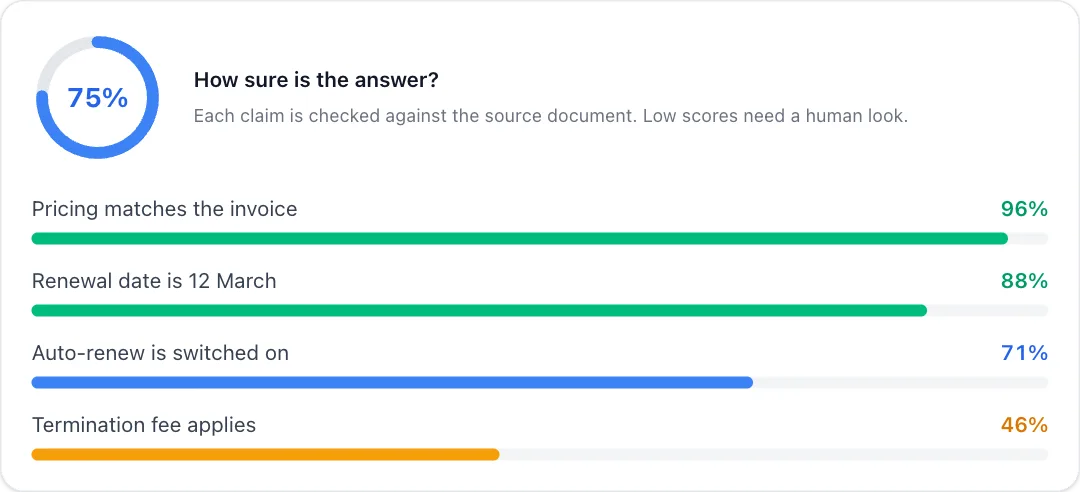 Confidence meterAn AI answer's confidence ring with per-claim bars that fill in, coloured low to high.
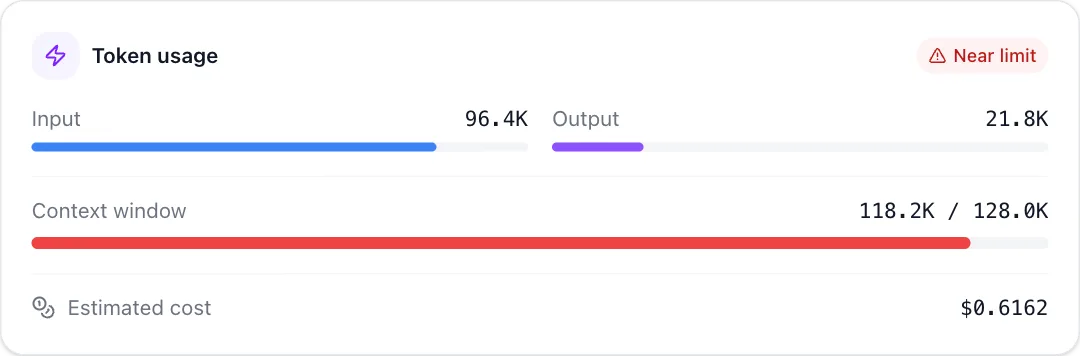 Token counterAI token usage that climbs as a response streams, filling the context window and warning near the limit.
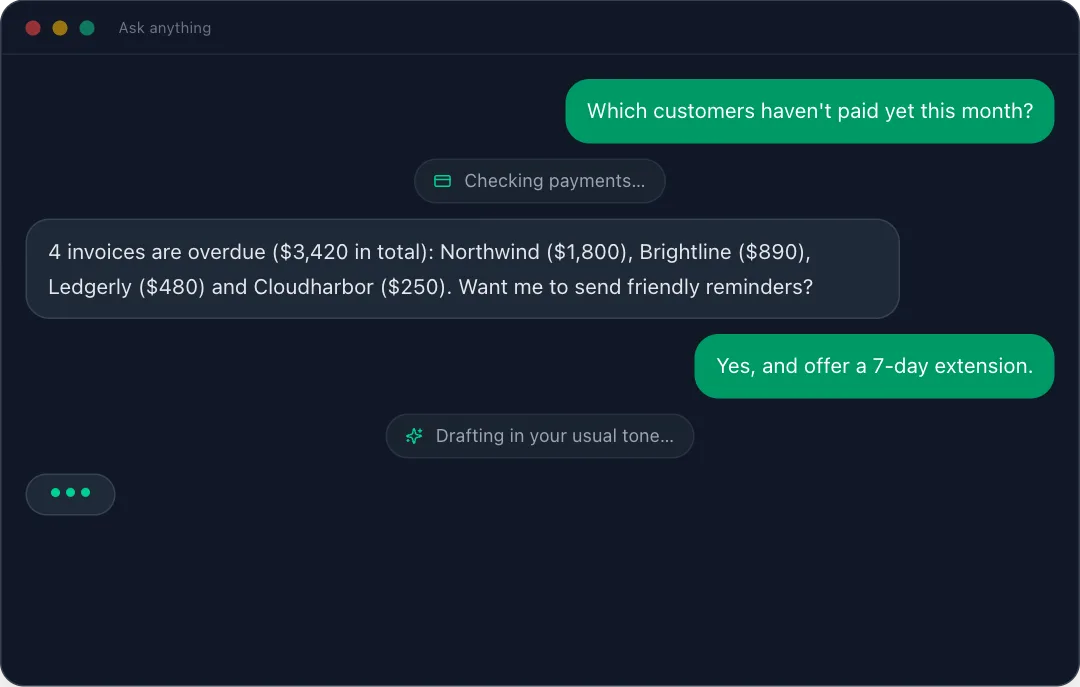 Chat assistantA chat with an assistant plays out in a dark app window, with each tool call shown as it runs.
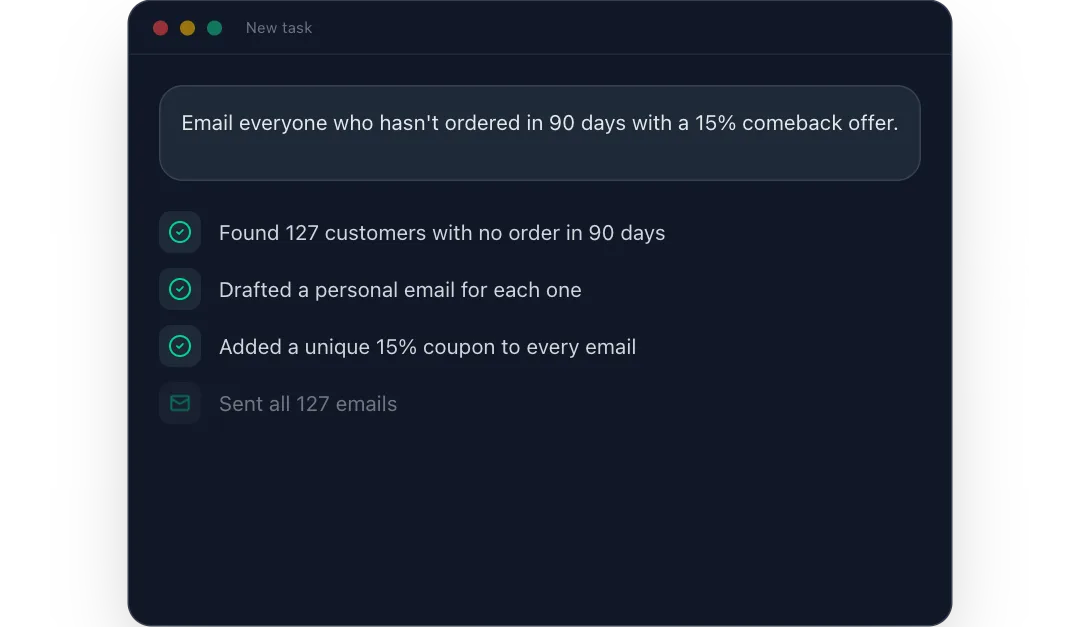 Win-back campaignA typed request becomes a win-back email campaign that is drafted, couponed and sent, then shows its results.
React + Tailwind CSS. Use downloads in your own sites and products; please don’t resell them as a component library. Repeat downloads of the same component in a month don’t count.