Live status
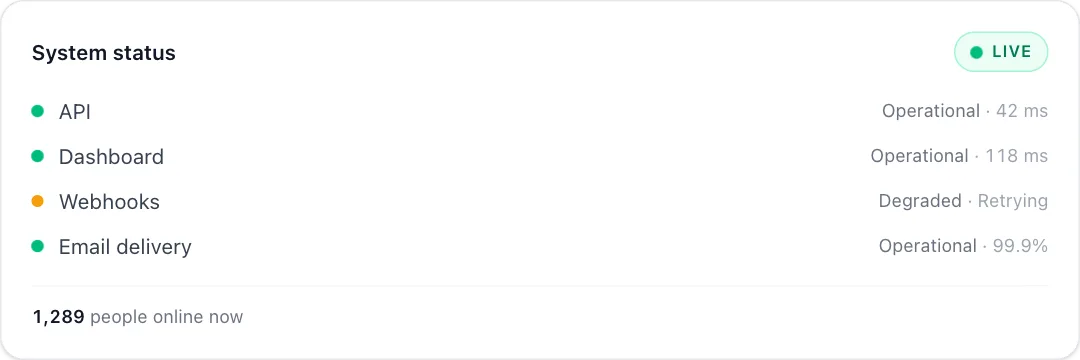
A status card with a pulsing live badge, service dots and a ticking viewer count.
npm install motion clsx tailwind-merge or npx programmable-cli add live-indicator
MP4 and GIF exports are for sites that are not on React. Each counts as this month’s download of the component.
What it’s for
- Showing what your product looks like when it's running
- Feature pages for analytics and monitoring
- Hero sections that need movement without a video
How to use it
- Download the file. LiveIndicator.tsx is one self-contained React component. Pick a brand colour above and the file comes in it, where the component has a main colour to replace. Sites not on React can take it as an MP4 or GIF.
- Install what it uses.
npm install motion clsx tailwind-merge, with Tailwind CSS set up in your project. - Drop it in.
import { LiveIndicator } from "./LiveIndicator";then render<LiveIndicator />where you want it.
Want it about your product? Make one like it and the studio builds a version with your features, numbers and brand.
Related components
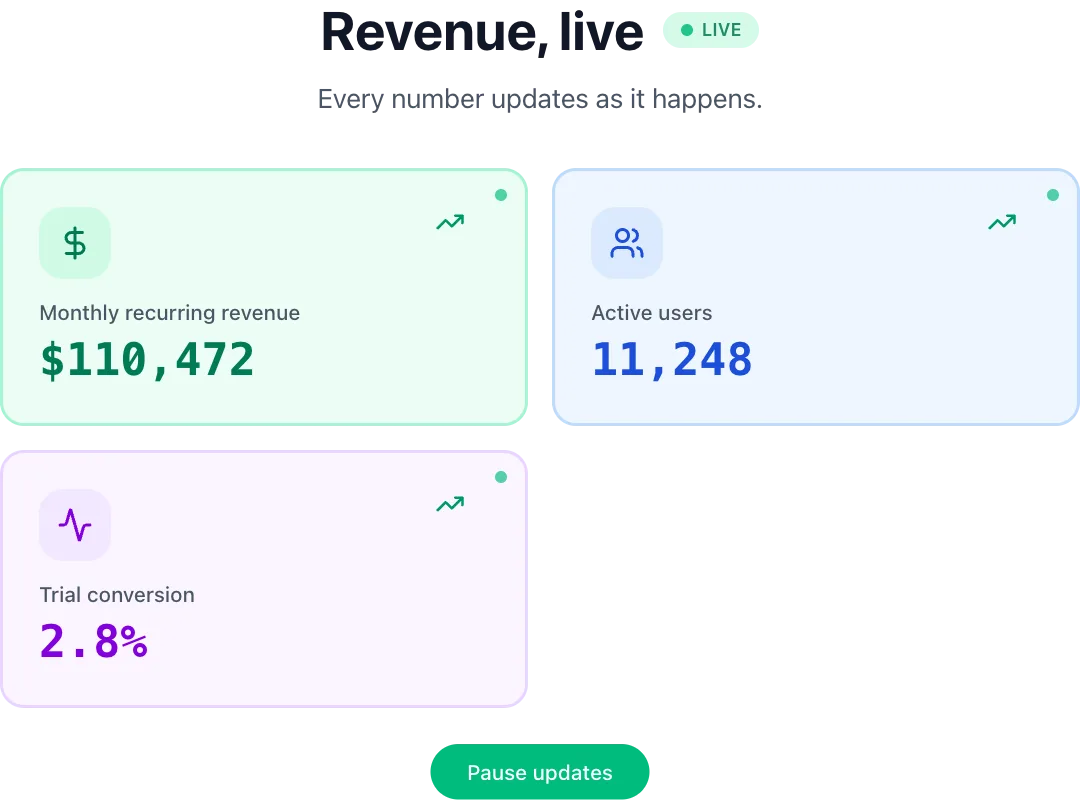 Live dashboardMetric cards whose numbers tick up live, with trends.
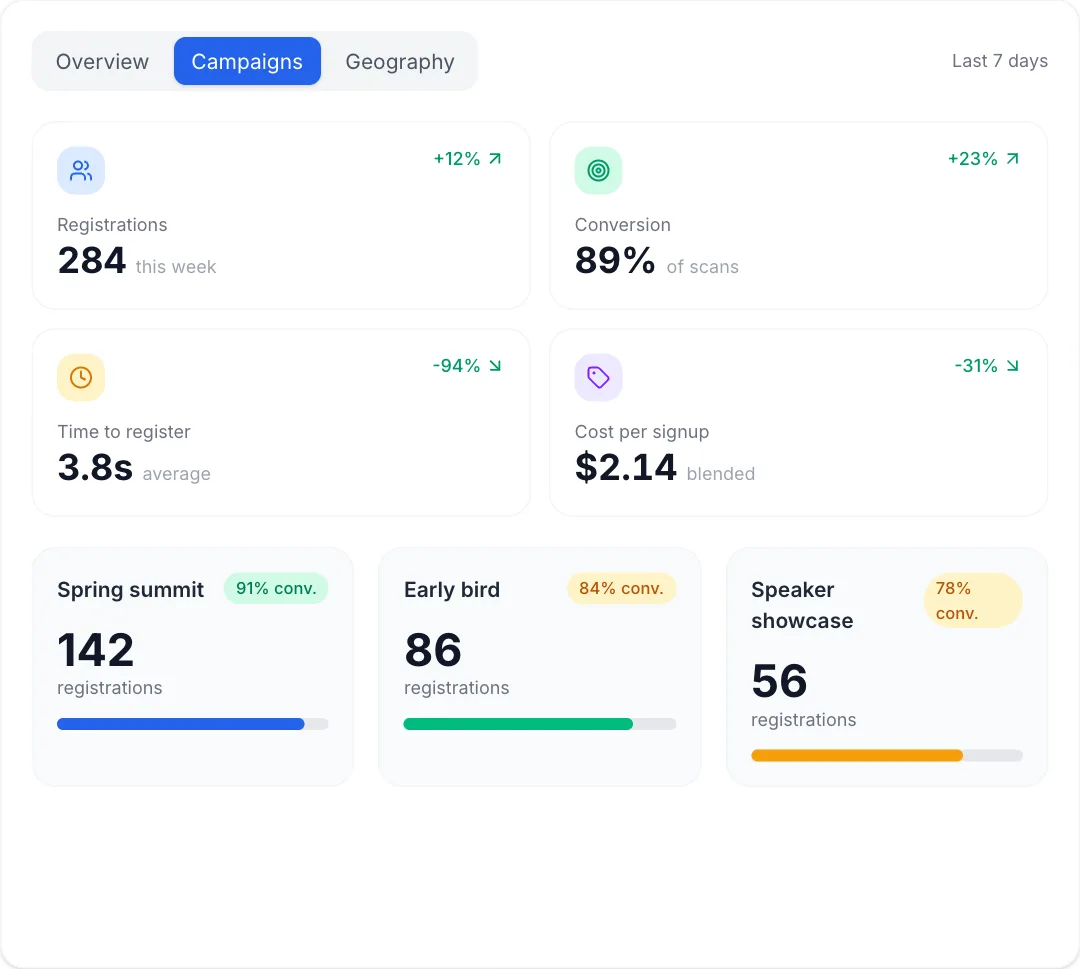 Attribution dashboardKPI cards count up, then the dashboard walks through its own tabs: a week of bars, the source split, campaign cards and a pulsing map.
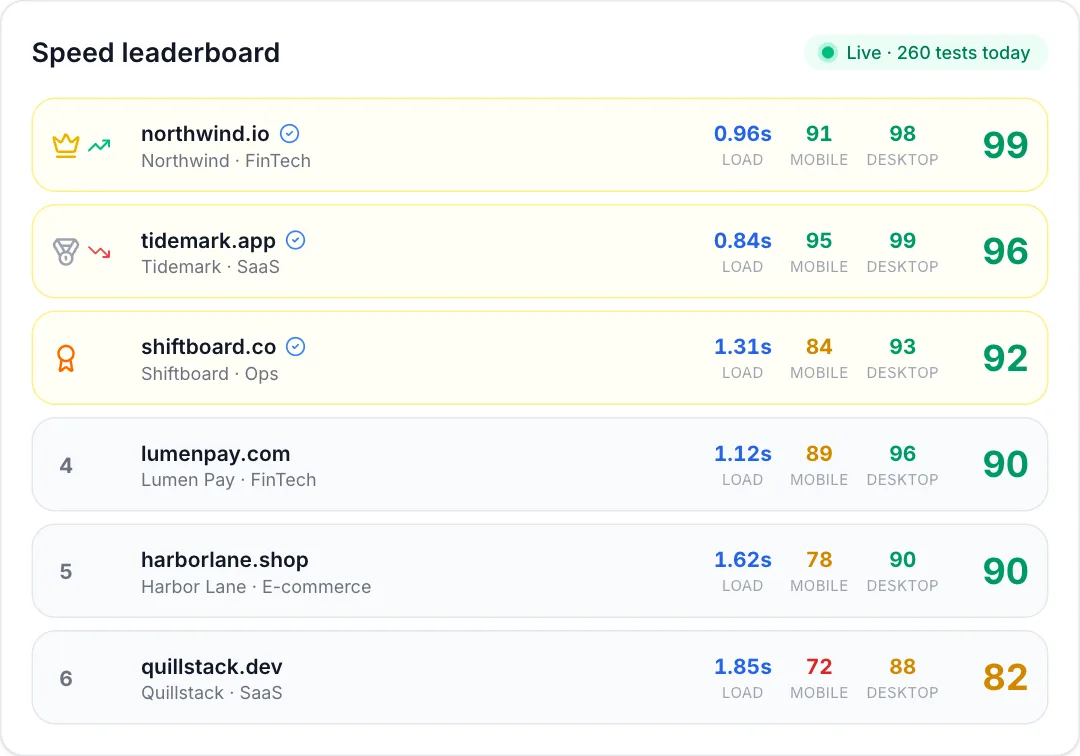 Speed leaderboardA live ranking of sites by performance score: scores drift, rows swap places, and rank-change arrows flash.
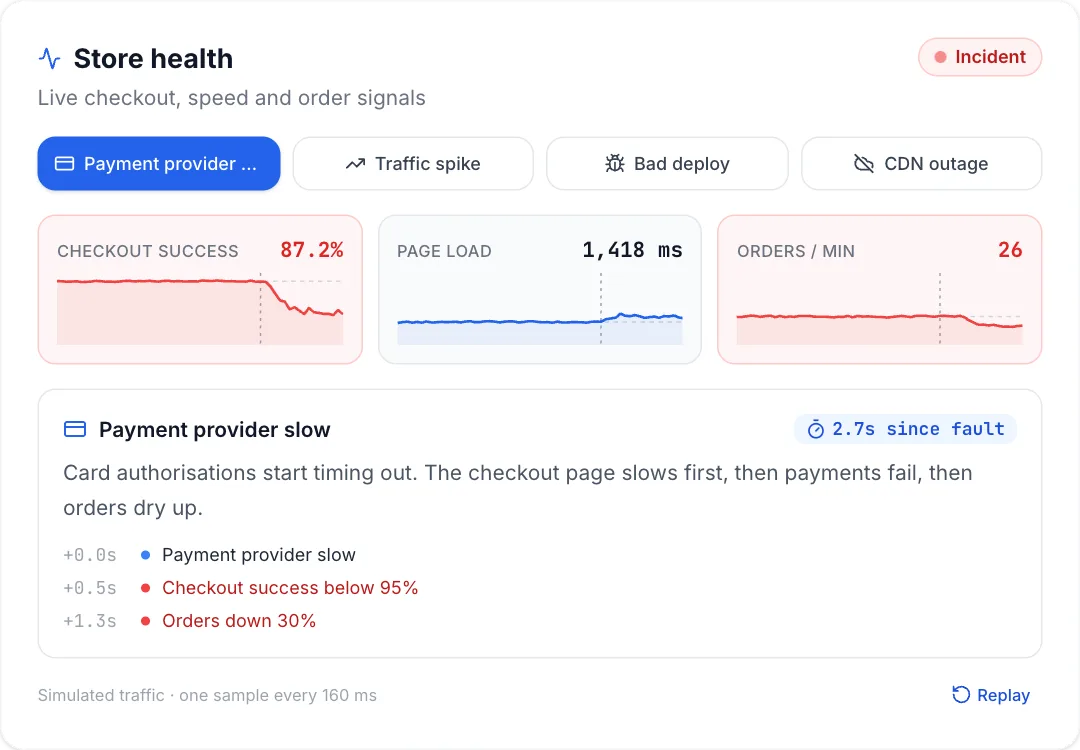 Vitals monitorLive store health sparklines where an injected fault ripples through checkout success, page load and orders per minute in sequence, a since-fault timer runs and the store recovers.
React + Tailwind CSS. Use downloads in your own sites and products; please don’t resell them as a component library. Repeat downloads of the same component in a month don’t count.