DevTools teardown
A live website teardown: an expert avatar narrates in speech bubbles while a ghost cursor opens DevTools and the Console, Network and Performance tabs fill with the problems found, reactions float up from the audience, and the finale prices the monthly loss with the fixes.
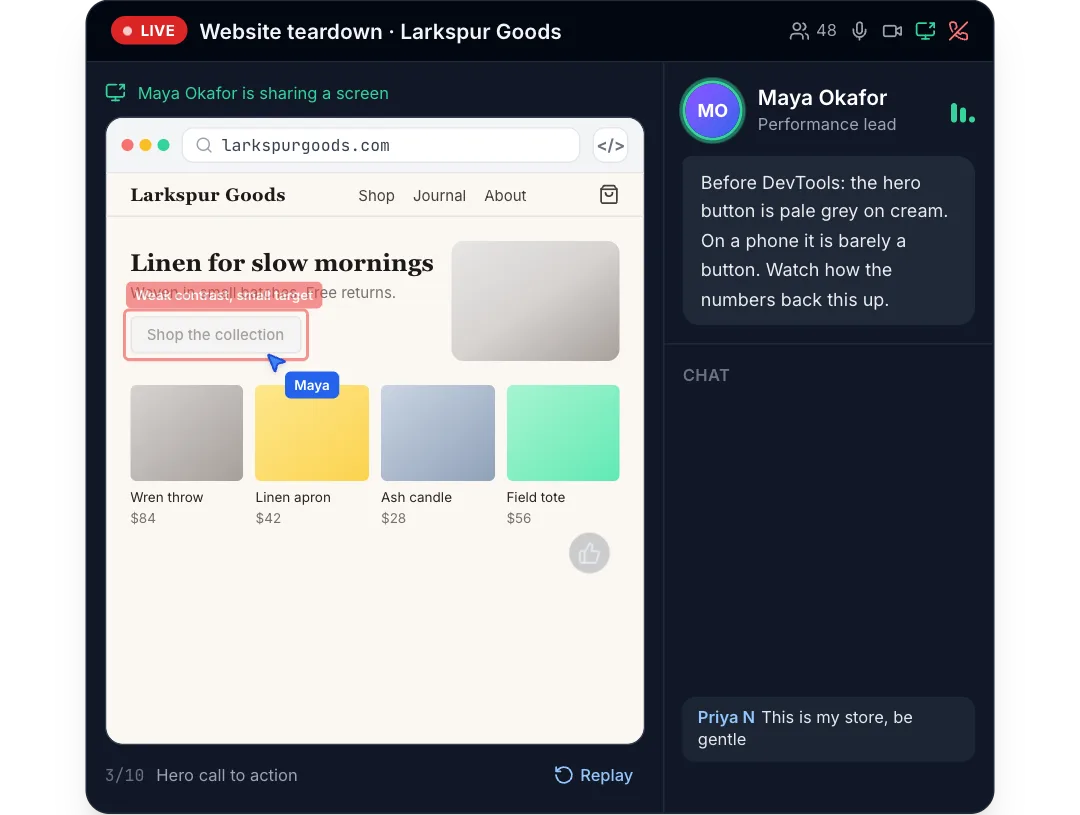
npm install motion clsx tailwind-merge lucide-react or npx programmable-cli add devtools-teardown
MP4 and GIF exports are for sites that are not on React. Each counts as this month’s download of the component.
What it’s for
- Homepage heroes that show the product working
- Feature pages, one flow per section
- Launch posts and changelog entries
How to use it
- Download the file. DevtoolsTeardown.tsx is one self-contained React component. Pick a brand colour above and the file comes in it, where the component has a main colour to replace. Sites not on React can take it as an MP4 or GIF.
- Install what it uses.
npm install motion clsx tailwind-merge lucide-react, with Tailwind CSS set up in your project. - Drop it in.
import { DevtoolsTeardown } from "./DevtoolsTeardown";then render<DevtoolsTeardown />where you want it.
Want it about your product? Make one like it and the studio builds a version with your features, numbers and brand.
Related components
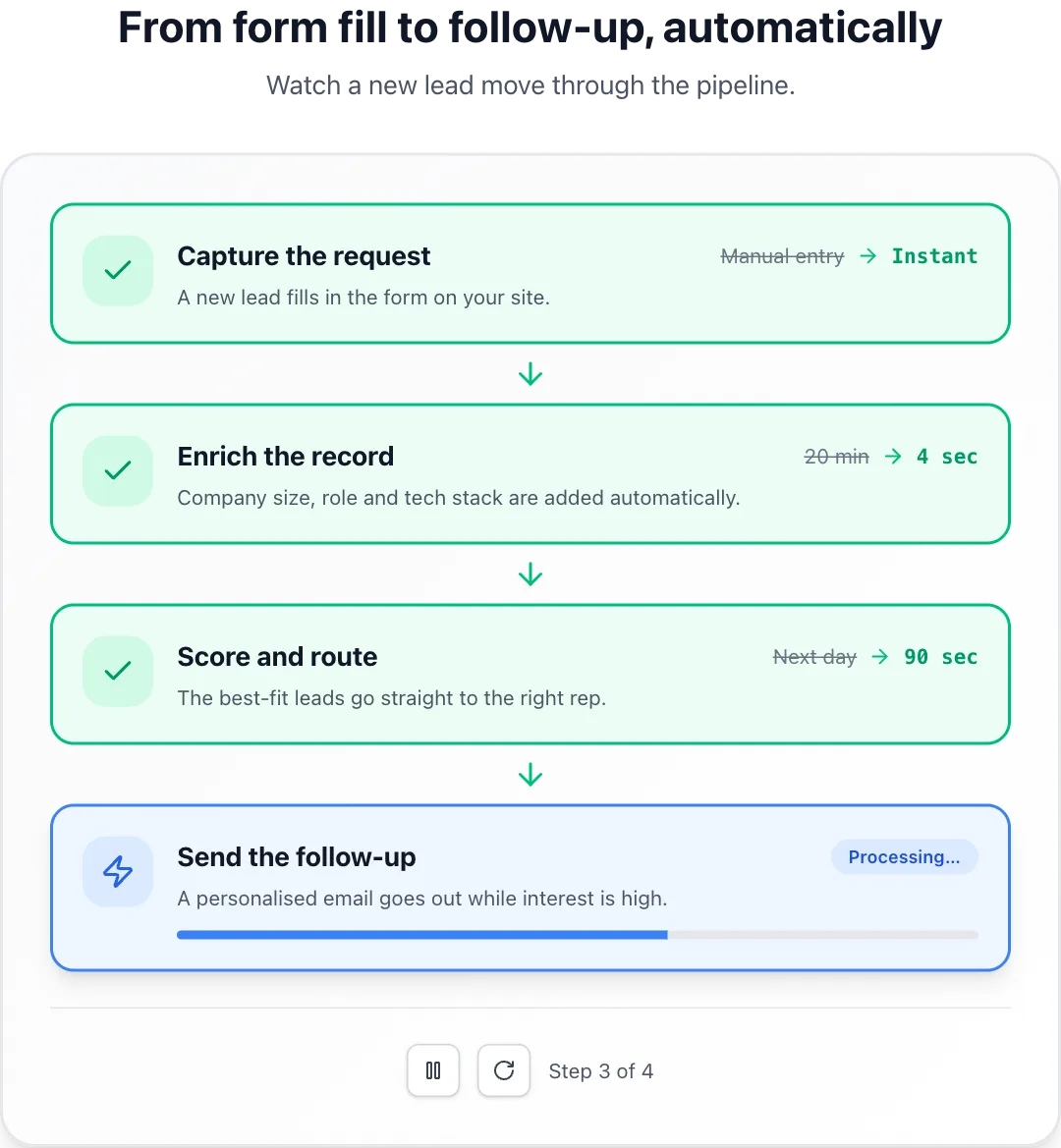 Process walkthroughSteps that complete one after another with a progress bar and before-and-after metrics.
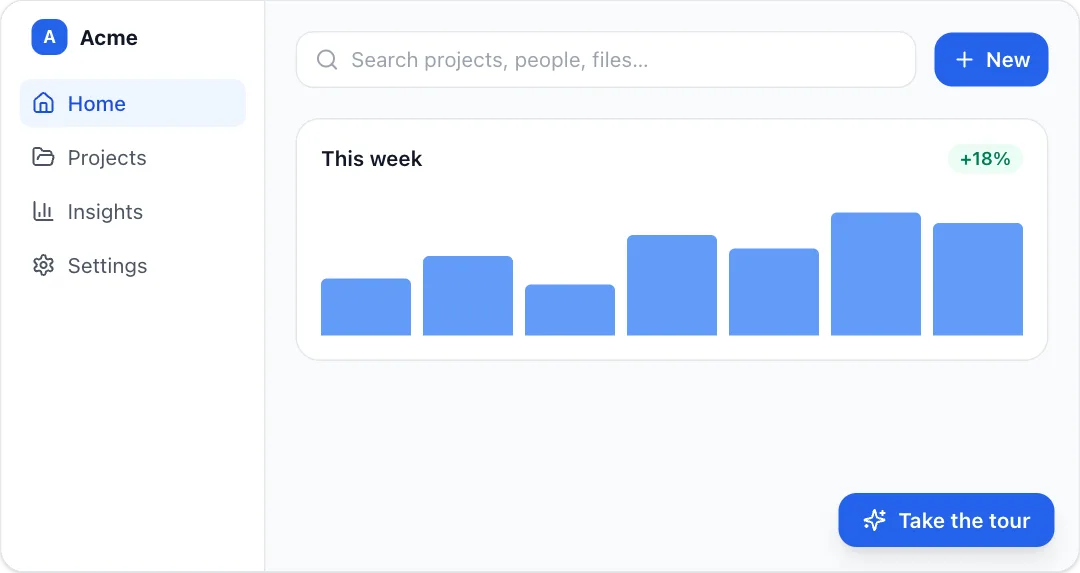 Spotlight tourA guided product tour that dims the page and spotlights each element with a tooltip.
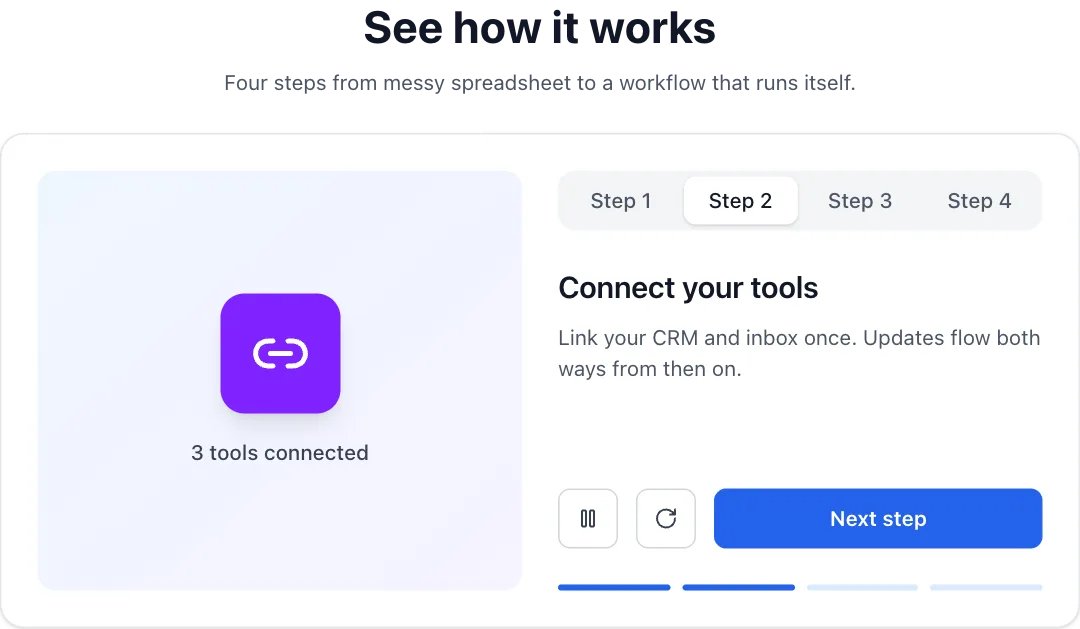 Tabbed demoA step-by-step product demo whose visual swaps per tab and auto-plays through the steps.
 Web intelligence searchA search query types itself, the web is scanned step by step, and matching profiles stream in with a summary.
React + Tailwind CSS. Use downloads in your own sites and products; please don’t resell them as a component library. Repeat downloads of the same component in a month don’t count.