Headline stats
Big gradient numbers that count up when they scroll into view.

npm install motion clsx tailwind-merge or npx programmable-cli add animated-stat
MP4 and GIF exports are for sites that are not on React. Each counts as this month’s download of the component.
What it’s for
- The proof strip under a hero
- Case study pages with before-and-after numbers
- Landing pages that lead with a result
How to use it
- Download the file. AnimatedStat.tsx is one self-contained React component. Pick a brand colour above and the file comes in it, where the component has a main colour to replace. Sites not on React can take it as an MP4 or GIF.
- Install what it uses.
npm install motion clsx tailwind-merge, with Tailwind CSS set up in your project. - Drop it in.
import { AnimatedStat } from "./AnimatedStat";then render<AnimatedStat />where you want it.
Want it about your product? Make one like it and the studio builds a version with your features, numbers and brand.
Related components
 Stat cardA metric card whose number counts up while its sparkline draws beside the trend.
 SparklineA compact trend line that draws itself, with a soft fill and a pulsing latest point.
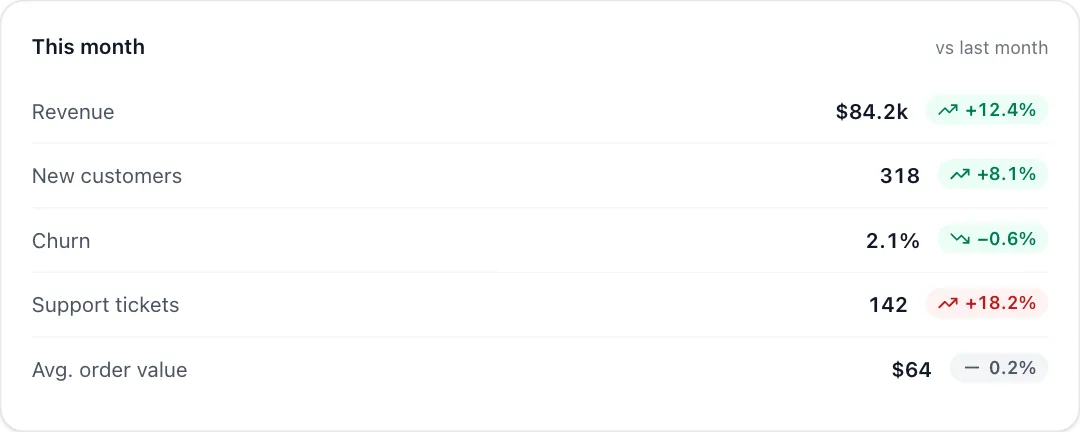 Trend listMetric rows whose up and down trend pills slide in one after another.
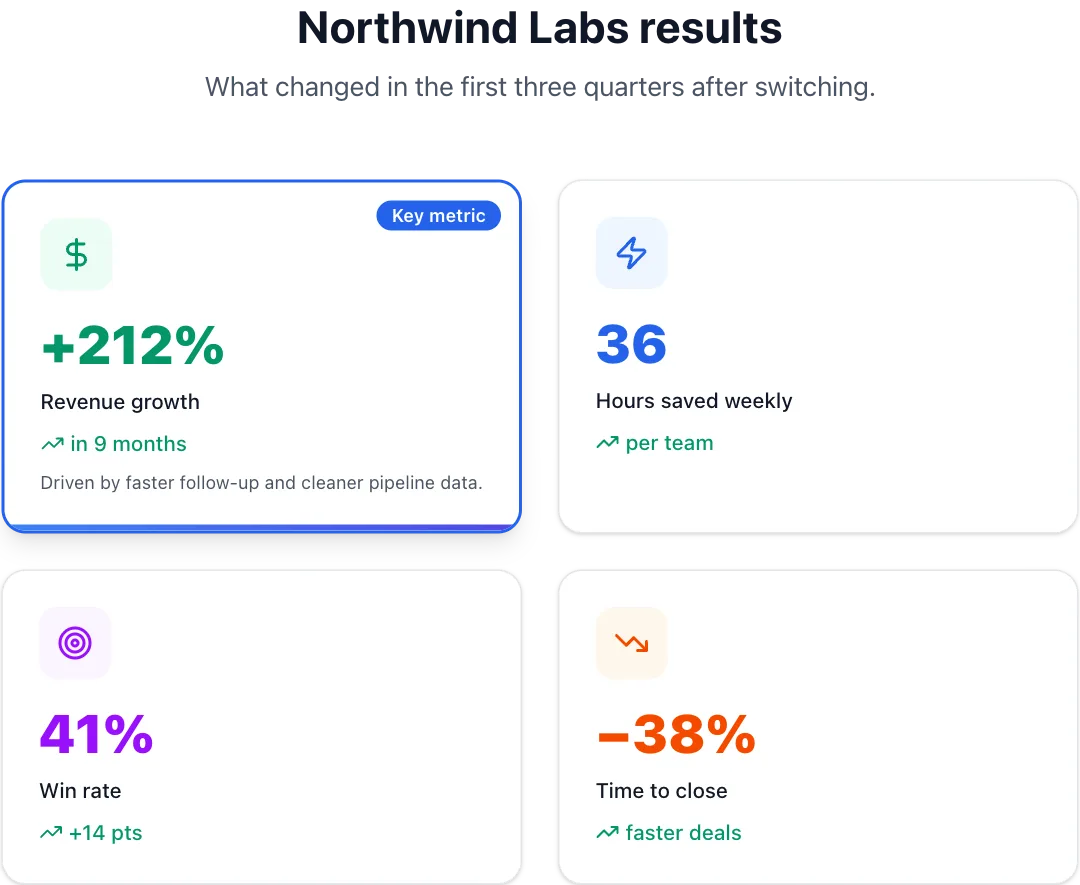 Case study resultsA customer's results as springy metric cards, a hero number or a compact row.
React + Tailwind CSS. Use downloads in your own sites and products; please don’t resell them as a component library. Repeat downloads of the same component in a month don’t count.